Your money, watched only by you
Meum tracks income, expenses and budgets right on your iPhone. No Meum server, no bank integrations — just you and your iCloud.
This opens the TestFlight page — install the TestFlight app and tap “Join”.
Why Meum
{{ card.title }}
{{ card.desc }}
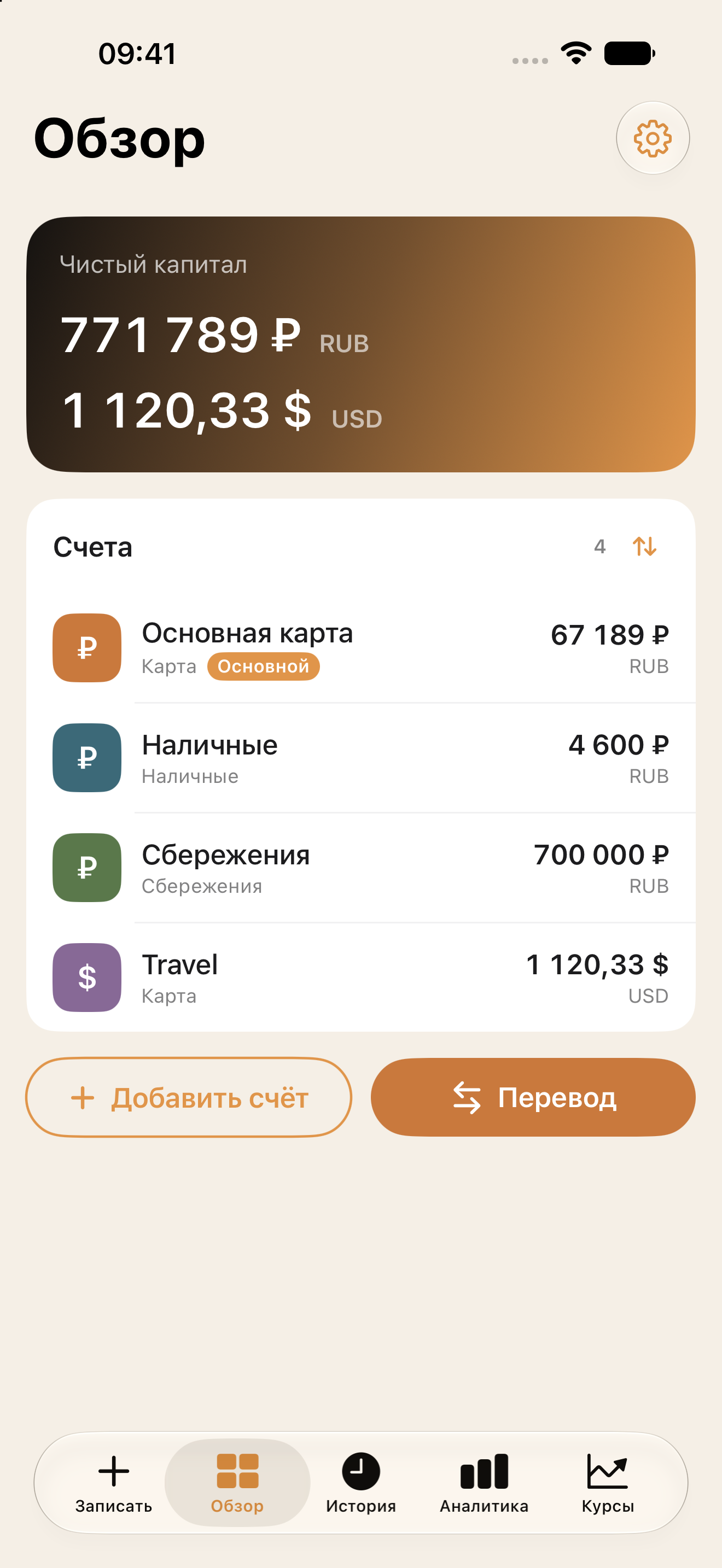
All your accounts and transfers, in one place
Add cards, cash and savings in different currencies. Meum shows your total net worth and the balance of each account separately.
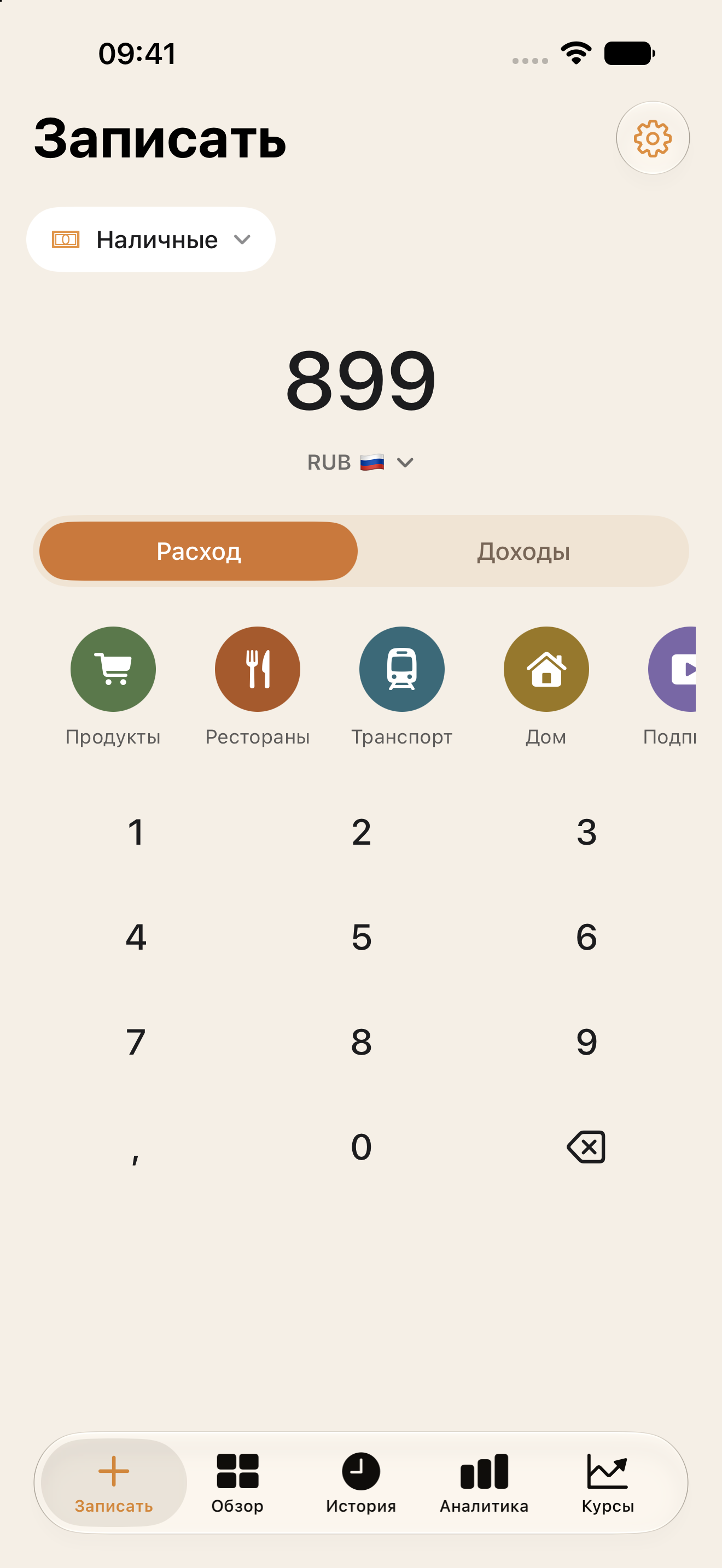
An expense in a few seconds
Pick an account, enter the amount and tap a category. That’s enough for the entry to show up in history and analytics.
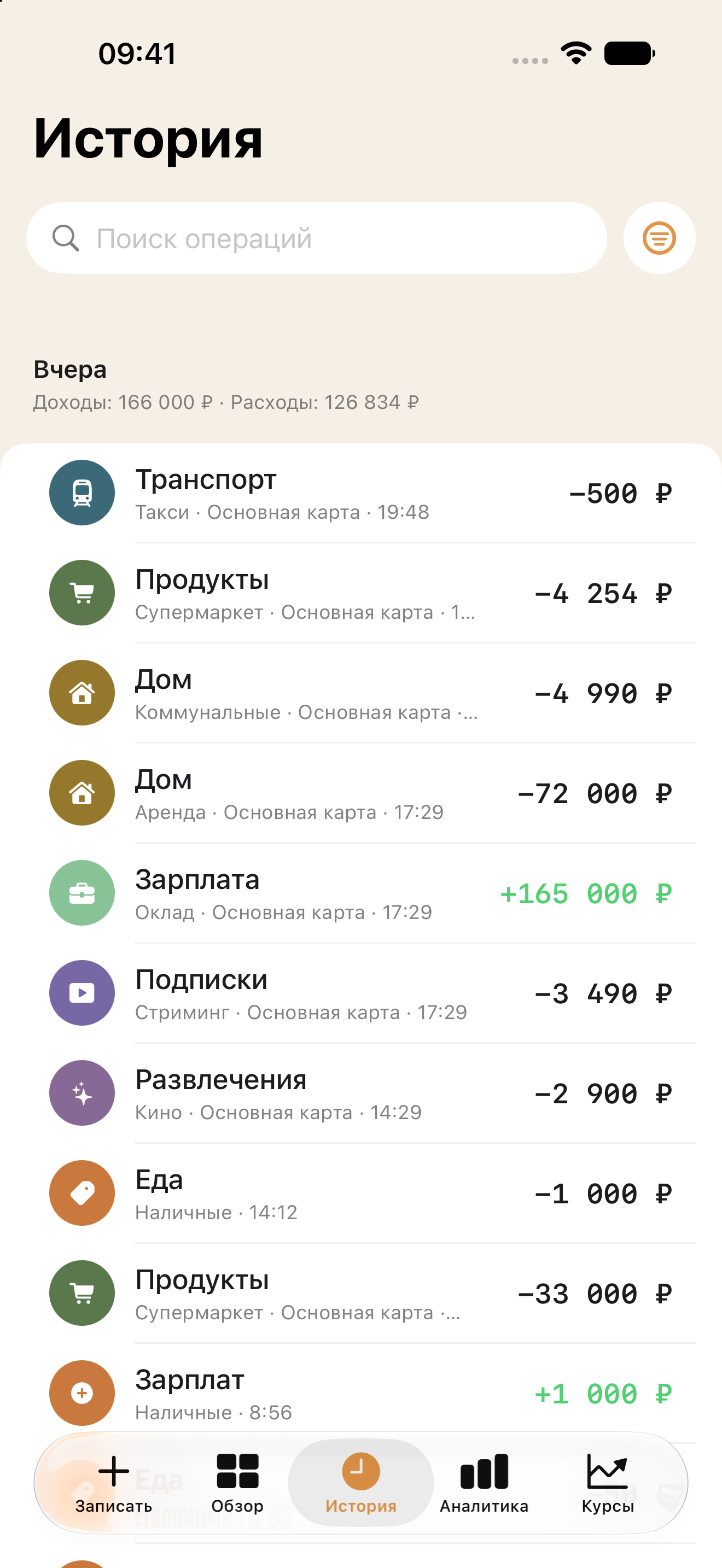
Your full history — searchable and editable
Entries are grouped by date. Use search and filters to quickly find the record you need.
If a category or subcategory is no longer used, its past entries are kept.
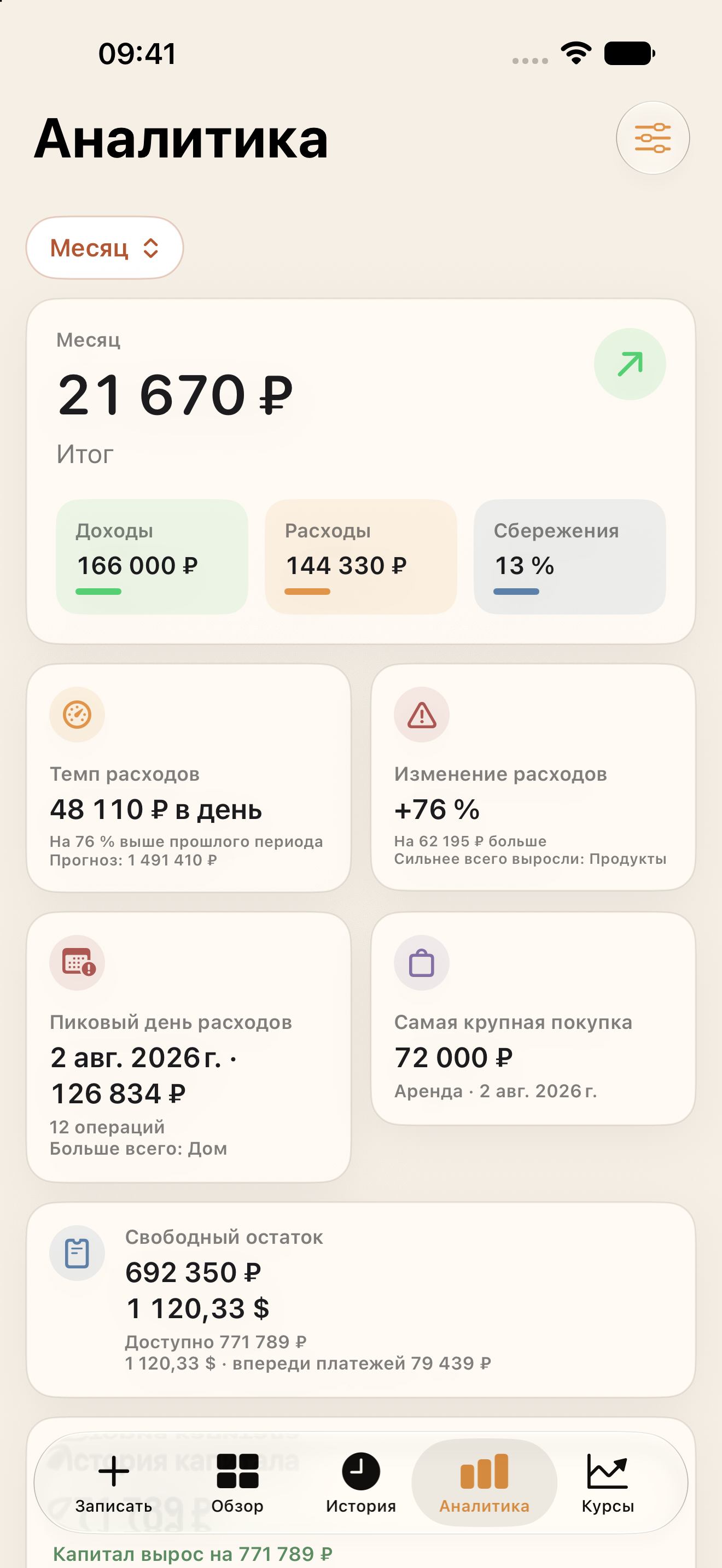
Analytics that explains the picture, not just the totals
Pick a period and see not just the totals but the reasons behind them: income and expenses, savings rate, spending pace, change vs. the previous period, peak day, biggest purchase, free balance, net-worth history, and the breakdown by category.
You can customize which analytics blocks are shown.
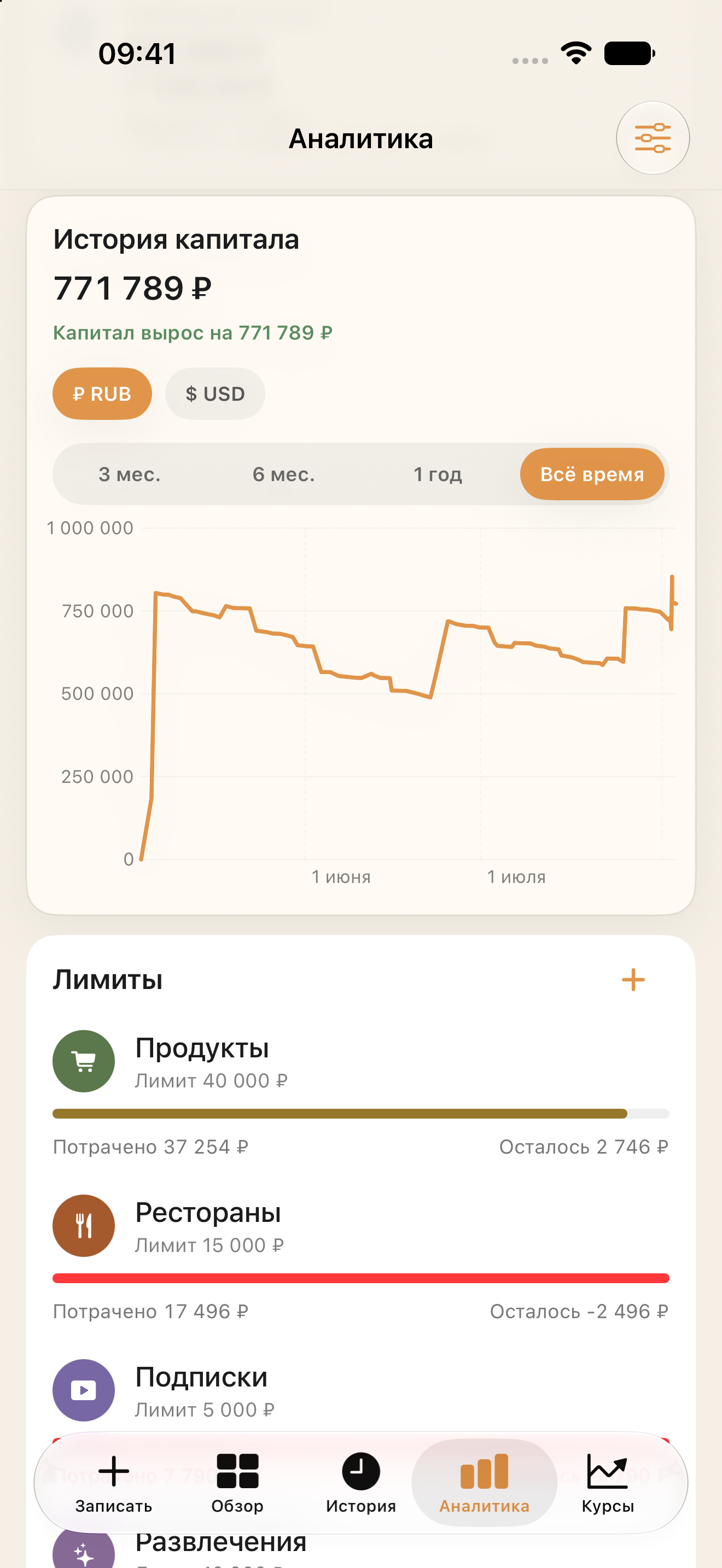
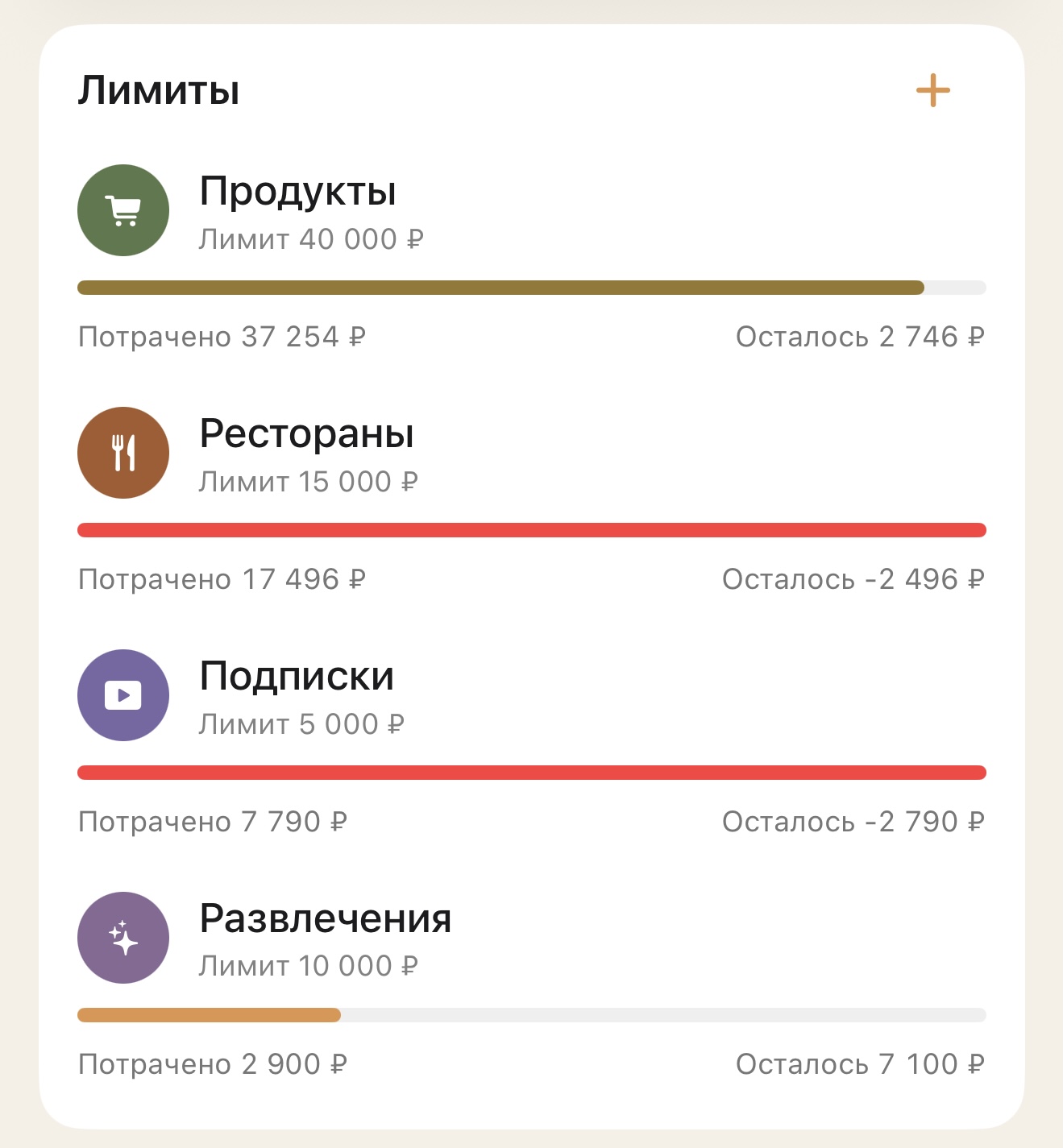
Limits by category
Set a monthly limit for any category. Meum shows how much you’ve spent, how much is left, and where you’ve gone over.
Accounts and entries in different currencies
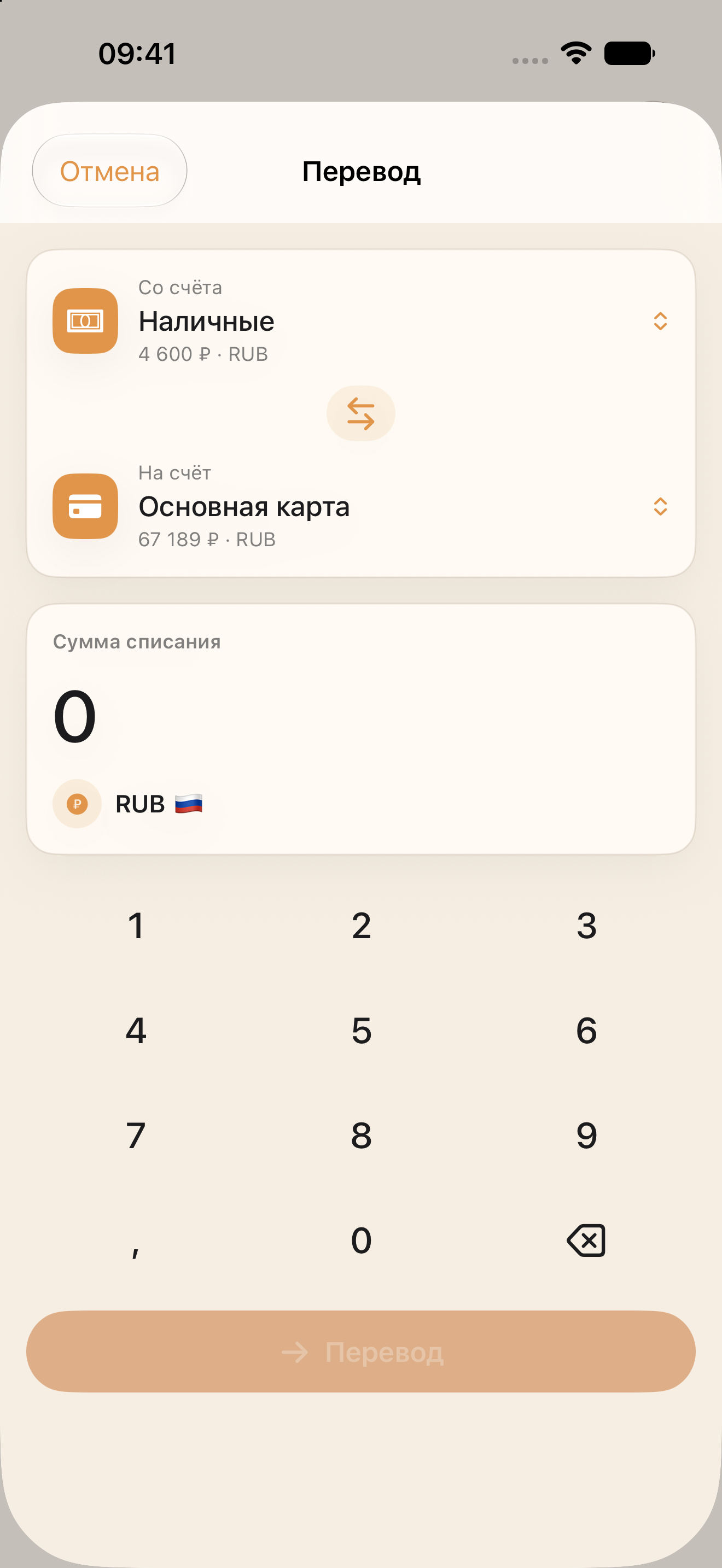
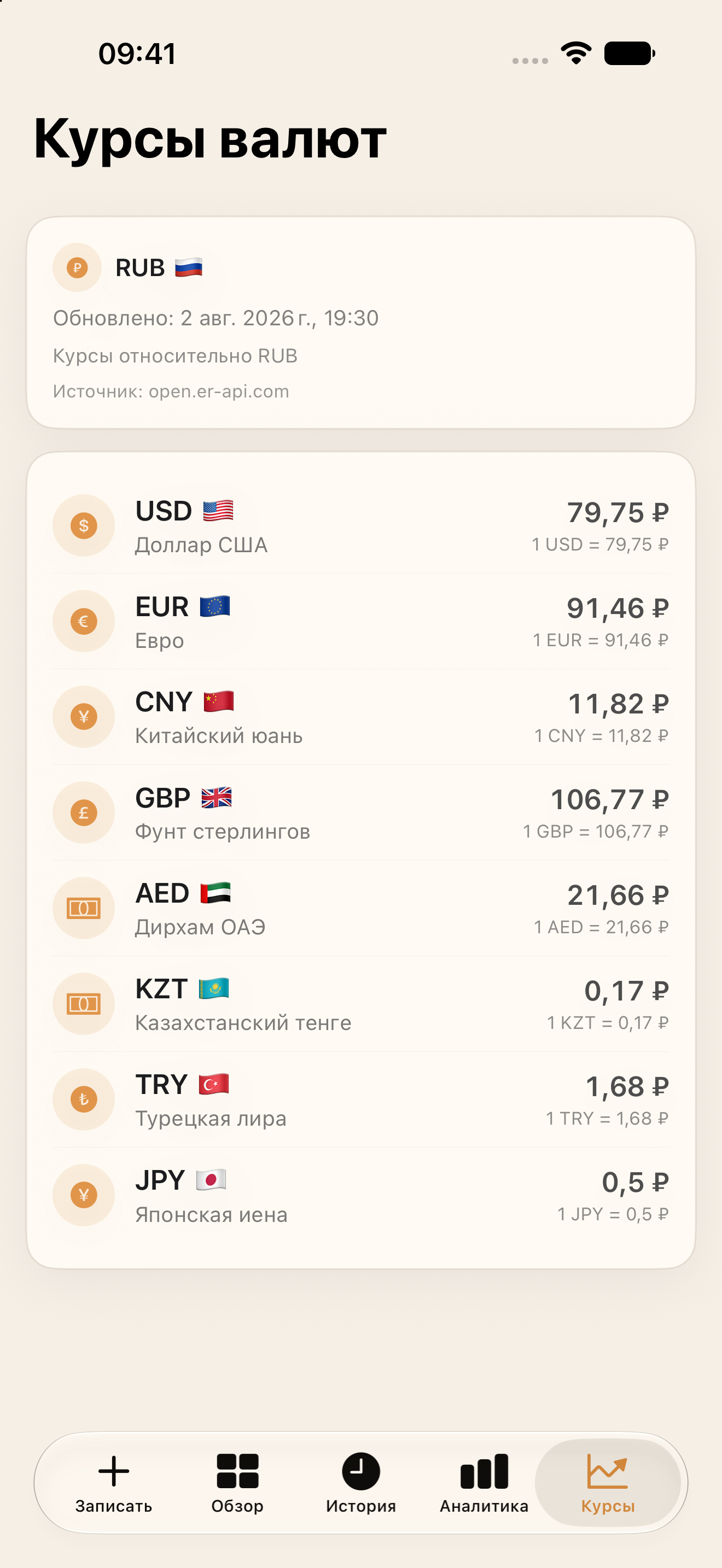
Meum shows current exchange rates and uses them for multi-currency entries and transfers.
Recurring expenses, without automatic charges
Add rent, subscriptions, phone bills, loans and other recurring payments. On the due day Meum reminds you and offers to create the entry.
The entry is only created after your confirmation. After that, it appears in your history, the amount is reflected in the account balance, and the next due date is calculated automatically.
{{ aiCaption }}
Log expenses through quick iOS commands
App Intents let you create an entry without opening the app’s screens at all: enter the amount, pick a category, subcategory and account.
Once confirmed, the entry appears in Meum right away.
The essentials, right on your Home Screen
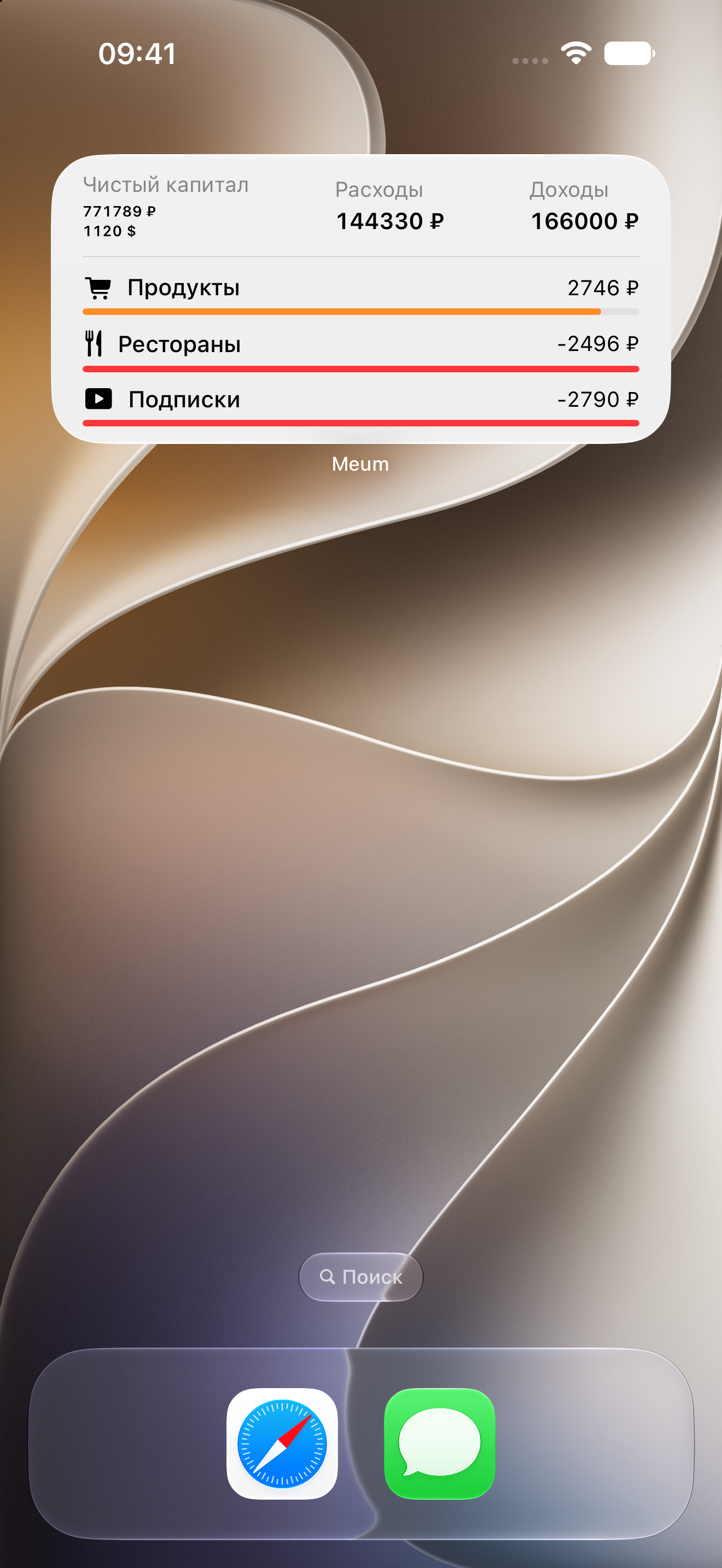
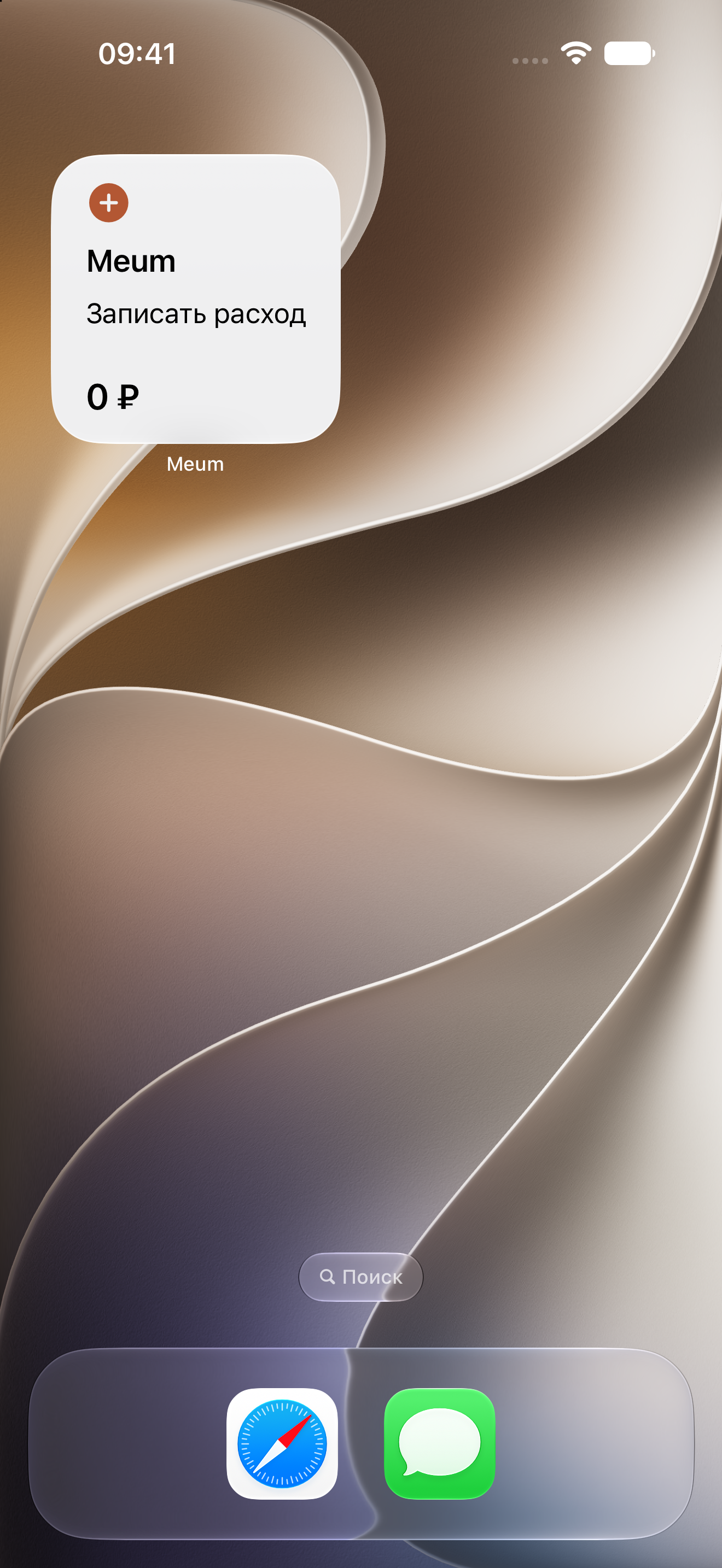
Meum widgets show your net worth, spending and limit status. A separate widget helps you start logging an expense right away.
How privacy works
Meum has no server of its own. Data is encrypted and synced directly through your own iCloud — just like Notes or Photos.
Questions
Order in your finances shouldn’t cost you your privacy
This opens the TestFlight page — install the TestFlight app and tap “Join”.
Free · No ads · iOS 26 and later